Help
How to block gambling apps, sites and ads
Built-in controls can cut a lot of the prompts. None of them is perfect, and none of them is a third-party blocker this page recommends.
Key facts
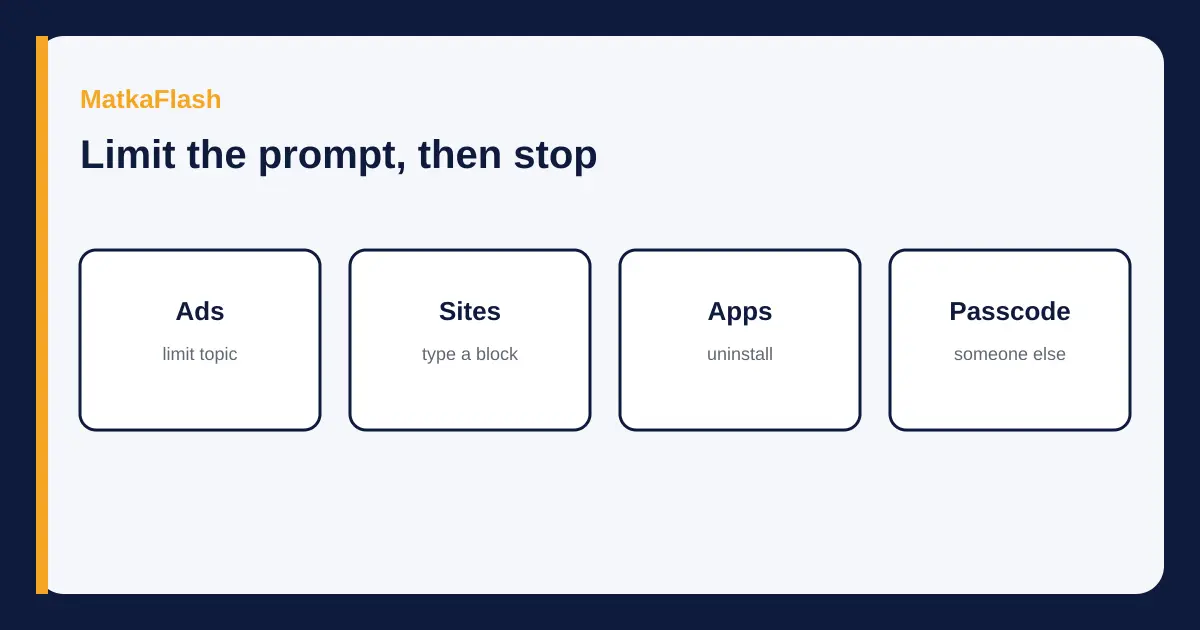
- Google's My Ad Center help says you can limit Gambling ads on Search, YouTube and Discover while signed in. Search activity can still show related ads.
- Facebook's help page on ad topics says you can search a topic and choose See less. The copy that loaded did not print a switch named Gambling.
- Apple's current iPhone help for a child's device names Limit Adult Websites and Approved Websites Only. It does not name a Never Allow list.
- Family Link can block a site you type, and can block an app, on a child's supervised account. It is not an adult's own one-tap ban.
- Tele-MANAS, as printed by the health directorate and repeated on the help guide, is 1800-89-14416 or 14416. It is support, not a filter.
This page is not medical advice and not a guarantee that ads or sites will disappear. Menu names are the ones on the help pages opened on 10 November 2026. A later software update can rename a screen.
Contents
You can remove a large share of gambling prompts with the tools already on the phone and in the ad settings, in one sitting. Limit the topic in Google while you are signed in, ask a family member's device to block named sites, uninstall what you installed, and let someone you trust hold the passcode. No setting on this page promises a permanent block. The help guide is where the health-directorate number is explained.
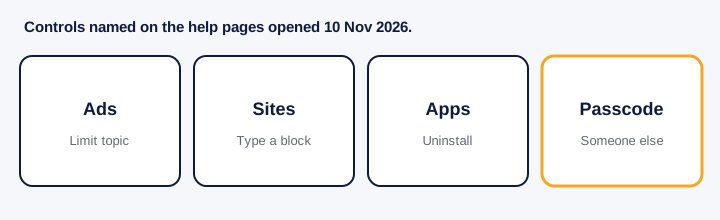
| Where | Control the page names | What it does | Limit |
|---|---|---|---|
| Google account | My Ad Center, Customize Ads, Sensitive, Gambling | Limits gambling ads on Search, YouTube and Discover while signed in | Does not apply when signed out. A search for the topic can still surface ads. |
| Settings & privacy, Settings, Meta Account, Ad preferences, Ad topics, See less | Lets you see less of a topic you select | The loaded page listed alcohol, parenting and pets as examples. It did not print Gambling as a labelled switch. | |
| Child's iPhone | Settings, Family, child's name, Apps & Websites, Restrictions, Filtering, Limit Adult Websites or Approved Websites Only | Limits detected adult sites, or allows only approved sites. A Screen Time passcode is asked | Apple's own-phone Screen Time page opened here blocks media and features, not a typed betting site. No Never Allow list was on that page. |
| Child's Android | Family Link, Controls, Google Chrome and Web, Blocked sites, Add a website. App limits under Screen time | Blocks a site or domain you add, and can mark an app Blocked | Try to block explicit sites is about sexually explicit sites, not a gambling list. Supervision is for the child's account. |
How do you limit gambling ads?
Google's help page 'Limit ads about sensitive topics on Google', opened on 10 Nov 2026, lists Gambling among Alcohol, Dating, Pregnancy and parenting, and Weight loss. The steps it prints are: in My Ad Center, select Customize Ads; in Customize the ads you see, click the Sensitive tab; turn the switch for the topic; a limited topic is labelled Limited by you; confirm. The same page says the setting only affects ads on Google services while you are signed in to your Google Account. It also says ads are affected by search activity even after you limit a topic. A search for a betting app can still produce ads for it.
Facebook Help, 'Choose to see less of certain ad topics while on Facebook', says: profile picture, Settings & privacy, Settings, Meta Account, Ad preferences, See all beside Ad topics, search, then See less. The loaded copy lists alcohol, parenting and pets. It does not print Gambling. If the search box lacks that topic, do not invent a menu. An individual ad still has its own Options control.
How do you block sites on an iPhone?
Apple Support, 'Block or allow access to apps and websites on your child's device' and 'Use Ask to Browse', both opened on 10 Nov 2026, describe a child's device. On iPhone or iPad: open Settings, tap Family, tap the child's name, tap Apps & Websites, tap Restrictions, then tap Filtering under Websites. Choose Limit Adult Websites or Approved Websites Only. Enter the Screen Time passcode if asked. Approved Websites Only means new sites in Safari need approval. Limit Adult Websites limits detected adult websites. The pages do not say that either setting contains a list called Never Allow, so this guide does not use that name.
The iPhone user guide page opened the same day, 'Block features or content with Screen Time on iPhone', stops at Content & Privacy Restrictions for Books, Movies, TV Shows and Music. It does not describe typing a betting address on your own phone, and it does not name a Never Allow list. On a child's phone, a trusted adult can keep the Screen Time passcode. That is a practical step, not a treatment.
How do you block sites and apps on Android?
Google Families Help, 'Chrome & your child's Google Account', says that on a child's Android device Family Link can allow or block specific sites in Chrome and in some Android apps. The path it prints: open the Family Link app, select your child, tap Controls then Google Chrome and Web. The choices are Allow all sites, Try to block explicit sites, and Only allow approved sites. Under Manage sites, tap Approved sites and Blocked sites, then Add a website. A full site such as www.example.com does not automatically cover a different host. A domain you add does cover hosts on that domain. The page says no filter is perfect, and that Try to block explicit sites is meant to hide sexually explicit sites. It is not described as a gambling-site catalogue.
The same family's Play Help page, 'Manage your child's Google Play apps', says you can block an app: Family Link, select the child, Screen time, Time limits, App limits, select the app, turn off Allowed, and the status becomes Blocked. Some apps cannot be blocked because the device needs them. This is supervision of a child's account. It is not a switch labelled 'block all gambling' on an adult phone that this page was able to verify.
How do you stop the apps coming back?
Uninstall the app. Do not keep the installer in a chat. On a child's account, Play Help describes approval before a Google Play download, and Apple's child-safety pages name Ask to Buy. Do not share the store password. This page does not recommend a third-party blocker. The tools above are the ones whose pages were opened.
Ask your bank, on the number on the card, whether online card use can be turned off. This page names no bank's switch. A stake already sent is not undone by a filter. The app-risk guide is about the traps. The myths guide is about why the next result is not owed to you.
When is blocking not enough?
A filter does not treat a compulsion. If staking organises the day, use the help guide. Tele-MANAS, printed by the health directorate, is 1800-89-14416 or 14416. It is support, not a fraud desk. A family member can read how to help. Chasing a loss is the subject of the guessing guide. Closing the prompts does not make a recorded chart into a forecast.
- On your own Google account, open My Ad Center, Customize Ads, the Sensitive tab, and limit Gambling. Stay signed in when you want that limit to apply.
- On Facebook, open Ad topics and choose See less only for a topic the page actually offers.
- On a child's iPhone, use Settings, Family, the child's name, Apps & Websites, Restrictions, Filtering, then Limit Adult Websites or Approved Websites Only, and keep the Screen Time passcode with a trusted adult.
- On a child's Android account, use Family Link, Controls, Google Chrome and Web, Blocked sites, Add a website, and block the unwanted app under App limits.
- Uninstall what you can, and call Tele-MANAS on 1800-89-14416 or 14416 if the urge is the problem rather than the icon.
Common questions
How do I block all gambling apps on my phone?
Uninstall the ones you installed. On a child's Android account, Family Link's App limits can mark an app Blocked. On a child's iPhone, Ask to Buy can require approval for a new download. This page did not find a single switch, on an adult's own phone, named 'block all gambling apps'.
Can I block betting sites permanently?
Family Link's Blocked sites list stays until someone changes it, and Apple's Approved Websites Only keeps unapproved sites out on a child's device. Neither page calls the block permanent, and both say filters are imperfect. A new app or a different browser can walk around a list.
Why do I still see betting ads?
Google's help page says the sensitive-topic limit works only while you are signed in, and that search activity can still produce ads about a topic you limited. Facebook's page says you can see less of a topic, not that ads stop.
Online jua ki lat kaise chhode?
Start by removing the prompts with the steps above, and tell someone you trust. If it is more than a settings problem, the help guide points to Tele-MANAS at 1800-89-14416 or 14416. This page does not offer a cure or a number to play.
Is there a free gambling blocker?
The Google, Apple and Family Link controls described here are part of the accounts and phones. This page does not recommend a paid or unknown blocker app.
Sources
- Google My Ad Center Help, Limit ads about sensitive topics on Googlesupport.google.com
- Facebook Help Center, Choose to see less of certain ad topics while on Facebookfacebook.com
- Apple Support, Block or allow access to apps and websites on your child's devicesupport.apple.com
- Apple Support, Use Ask to Browse to approve the websites your child can accesssupport.apple.com
- Apple Support, Block features or content with Screen Time on iPhonesupport.apple.com
- Google Families Help, Chrome and your child's Google Accountsupport.google.com
- Google Play Help, Manage your child's Google Play appssupport.google.com
- Directorate General of Health Services, National Mental Health Programmedghs.mohfw.gov.in
Keep reading
 HelpSigns that staking is causing harmWarning signs around matka staking, what they do not prove, and the Tele-MANAS numbers printed by the health directorate.5 min read
 HelpIf someone in the family is gamblingHow to talk about gambling at home, keep money safer, and reach Tele-MANAS on 14416 or 1800-89-14416.5 min read
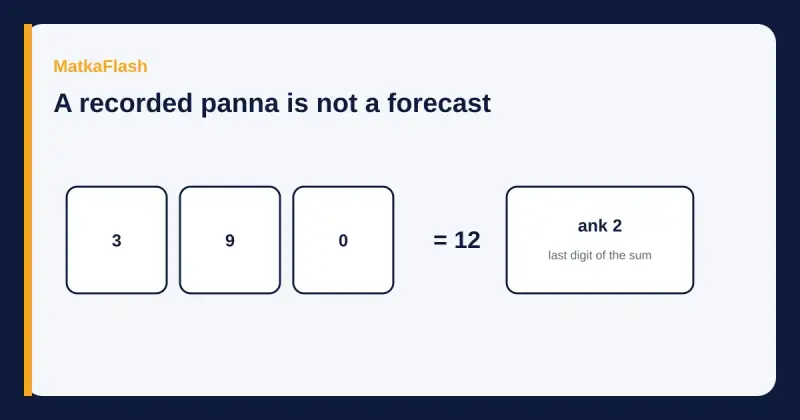 BasicsWhy guessing and fix ank do not workA matka chart records a draw that already happened. Fix ank lists and weekly jodis do not name the next independent draw.6 min read
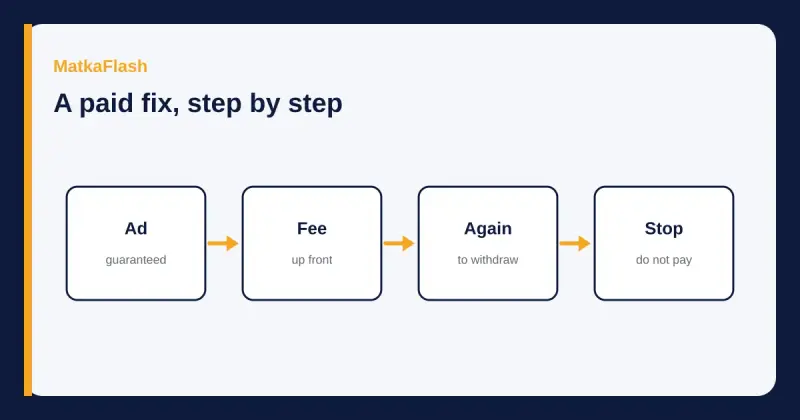 SafetyHow fix-game scams ask for a second feeHow a guaranteed matka number usually turns into an advance fee and a blocked withdrawal, and what to stop doing if you already paid.5 min read